Workout logging
How to Keep a Workout Log You Can Actually Use
Record the sets you actually finish, keep your entries consistent, and use your previous workout as a reference. Here is a simple logging routine to follow in Gymr.
A useful workout log answers one question before your next session: what did I actually do last time? You do not need a complicated spreadsheet to answer it. Start with the exercise, the weight, and the repetitions you completed in each set.
The important detail is “completed.” A planned workout describes what you intend to do. Your log should record what happened, even when the final set looks different from the plan.
What to record for each exercise
Keep these details consistent from one session to the next:
- Exercise: use the same name for the same movement. A dumbbell bench press and a barbell bench press should be separate entries.
- Weight: record the load and use the correct unit, kilograms or pounds.
- Repetitions: enter how many reps you completed in each set.
- Sets: keep each set separate so differences do not disappear into a single total.
For example, imagine a dumbbell row session with these entries:
- Set 1: 20 kg, 10 reps.
- Set 2: 20 kg, 10 reps.
- Set 3: 20 kg, 8 reps.
These numbers illustrate a record, not a suggested workout or starting weight. Writing “3 × 10” would lose the detail that the final set had eight reps. An accurate entry gives you a more useful reference next time.
Pick a weight convention and stick with it
Decide what a number means before comparing sessions. If you record one dumbbell's weight, keep using that convention for that exercise. Do not switch between one dumbbell and the combined weight of two without accounting for the difference.
The same idea applies to equipment. Matching numbers on different machines do not necessarily represent matching resistance. Compare like with like, and keep distinct exercise variations separate instead of treating every similar movement as one continuous record.
A simple logging routine in Gymr
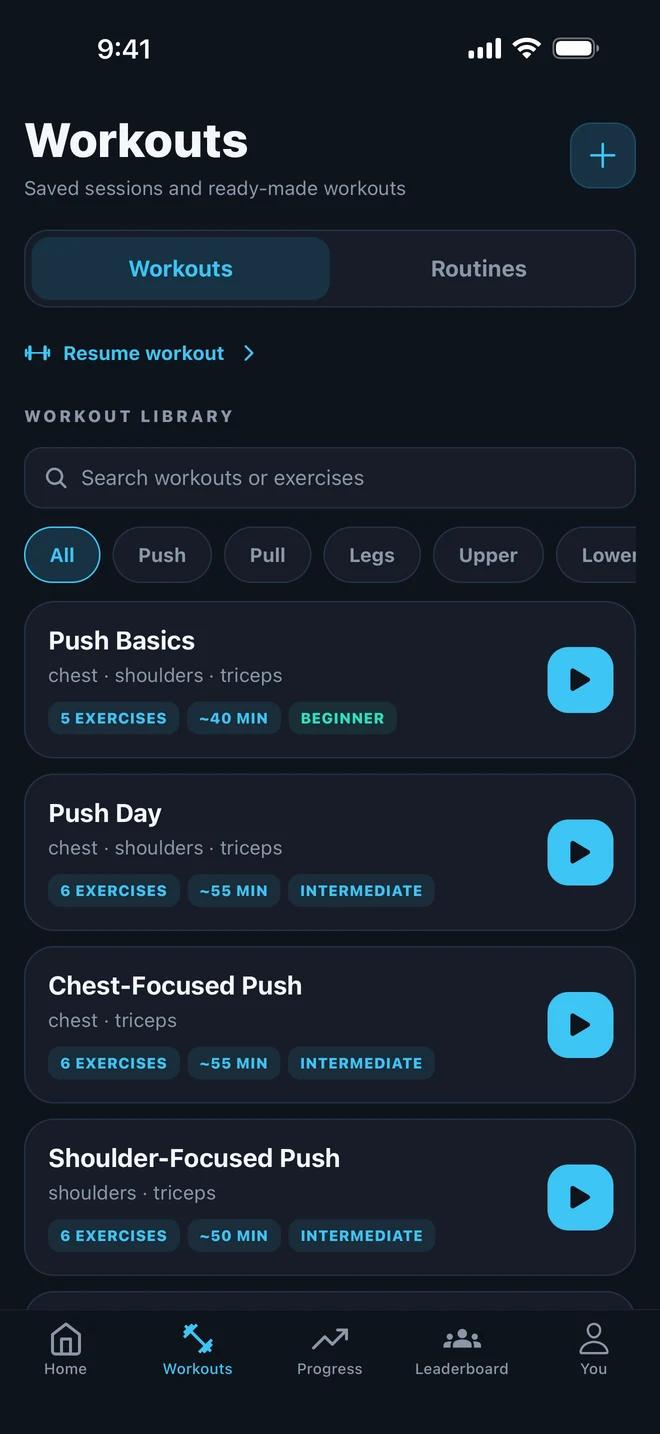
- Choose a saved workout, select a routine, or start a free workout when you want to choose exercises as you go.
- Add the exercises you are recording and check your weight units.
- Enter the weight and reps you actually completed for each set. Record them while they are fresh in your memory.
- Finish and save the session. Check that the completed workout appears in your history.
- Before repeating an exercise, look back at its previous recorded sets for context.
You can see the main tracking features on Gymr's workout tracker page.
What to look for when you review your history
Start with comparable entries: the same exercise, the same weight convention, and the same units. Then look at what changed. Did you record more repetitions at the same weight? Did the weight change? Did you complete a different number of sets?
A change is something to review, not an automatic instruction to lift more next time. One session also does not tell the whole story. Keep enough history to see repeated patterns rather than judging your training from a single entry.
Gymr's strength progress uses your own starting lifts as a reference. It is a personal comparison, so a consistent record matters more than trying to match somebody else's numbers.
Make your next entry easy
Use an existing saved workout when you repeat a session, and keep exercise names consistent. You do not have to record every possible detail before your log becomes useful. A few accurate entries are a better starting point than a detailed plan you never update.
For your next workout, focus on one habit: save the sets you actually finish. When you return, you will have a record to work from instead of a guess.
Explore Gymr's workout tracker to see how saved workouts, set logging, and training history fit together.