Choose your workout
Open a saved workout, select a routine, or start a free workout. Add the exercises you want to record for this session.
YOUR WORKOUT LOG. ALWAYS WITH YOU.
Remember what you lifted. Know where you started. Gymr keeps your sets, reps, weights, and workout history together, so your next session starts with a clearer picture.

Plan your training. Log your work. Follow your progress.
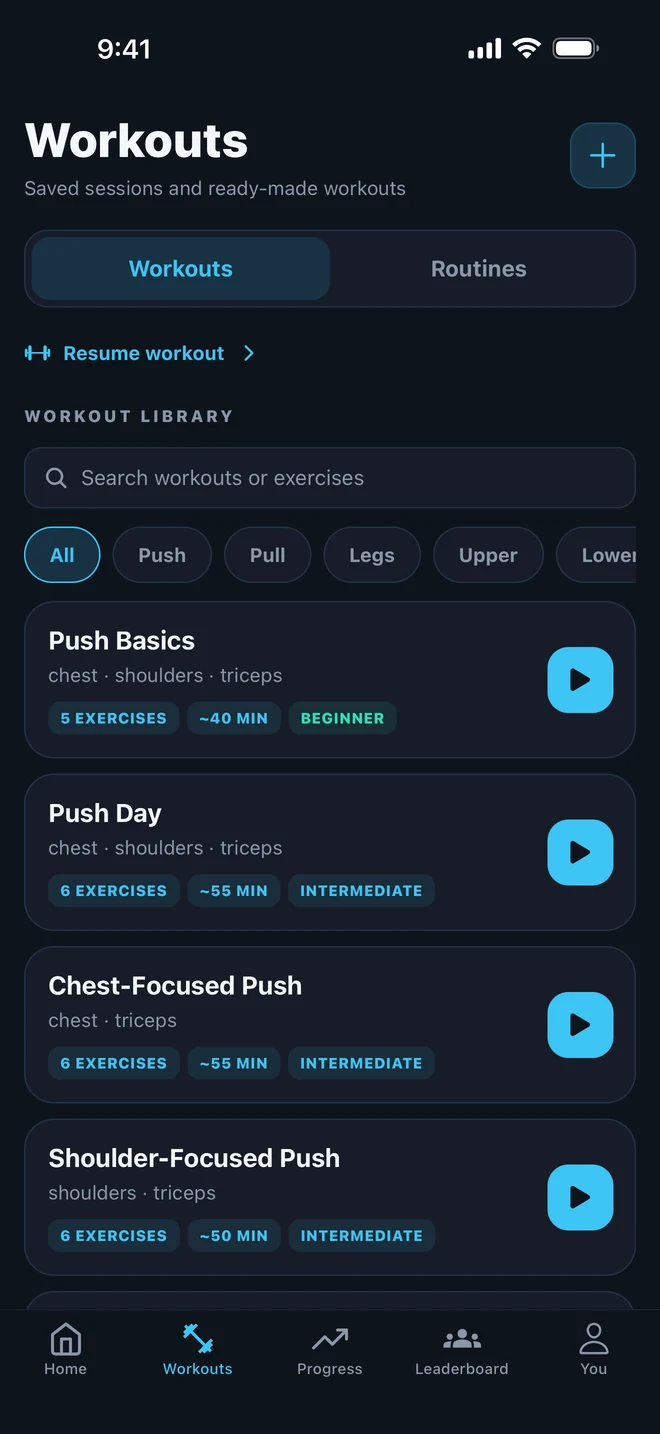
FROM FIRST SET TO FINISHED SESSION
Open a saved workout, select a routine, or start a free workout. Add the exercises you want to record for this session.
Enter the weight and reps you actually completed. Keeping your exercise names and units consistent makes later comparisons more useful.
Finish and save the session, then return to your workout history. Use your previous sets as a reference when you plan your next workout.
A SMALL RECORD. A USEFUL REFERENCE.
Start with the exercise, weight, and reps for each set. For example, three sets of a dumbbell row might look like this. The numbers are illustrative, not suggested training targets.
Next time, you have a record to compare with instead of relying on memory. A change in reps or weight gives you something specific to review.
| Set | Weight | Reps |
|---|---|---|
| 1 | 20 kg | 10 |
| 2 | 20 kg | 10 |
| 3 | 20 kg | 8 |
Three sets recorded. A starting point for next time.
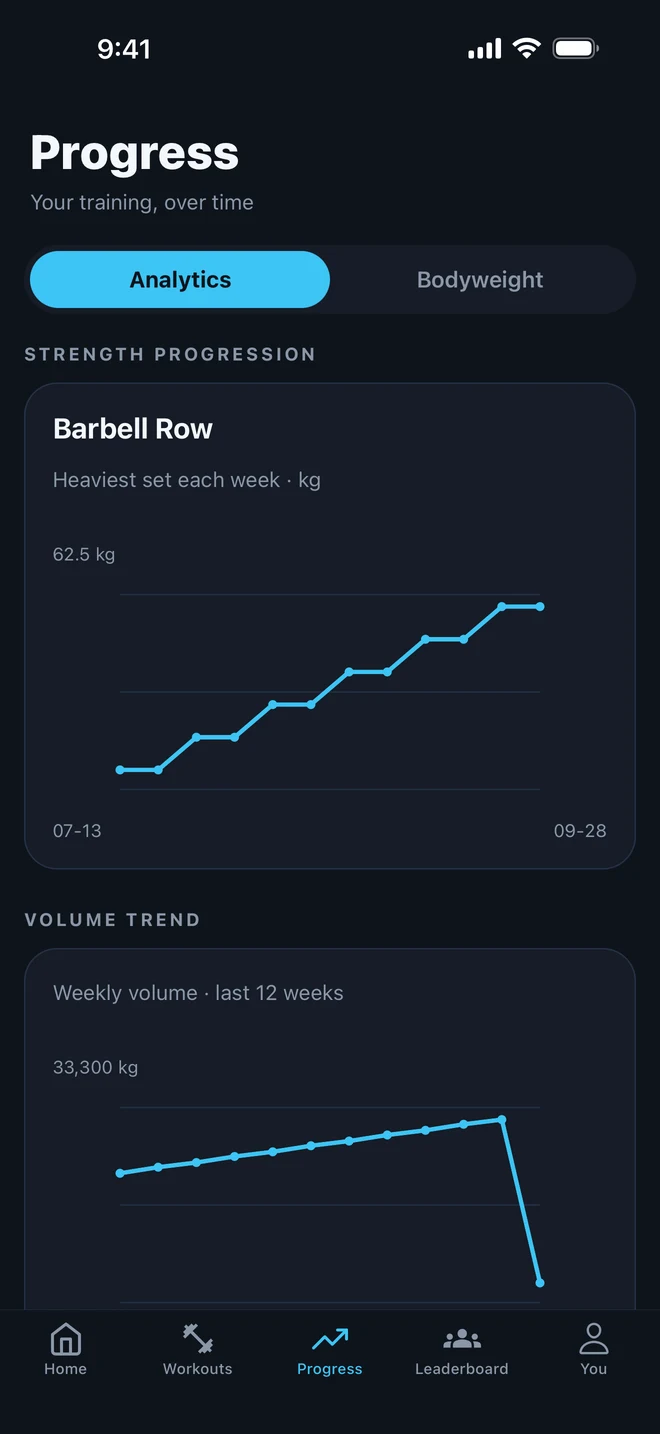
YOUR HISTORY BECOMES YOUR BASELINE
A workout log tells you what happened. Gymr also brings your training history into strength trends, a muscle map, and your workout calendar.
Your strength progress is measured against your own starting lifts. Build up a history of comparable sets to see how your recorded performance changes over time.
One session is a snapshot. A consistent record gives you more context.
Explore Gymr’s progress featuresBEFORE YOUR FIRST WORKOUT
Record your exercises, sets, reps, and weights. Your workout history brings your completed sessions together so you can look back at the work you have logged.
Yes. Create and save your own workouts, choose a routine from the library, or start a free workout when you want to pick exercises as you go.
Your starting lifts are your personal baseline. As you log comparable sets, Gymr shows changes relative to those lifts. This is personal progress, rather than a ranking against other lifters.
You can start by logging a few familiar exercises. You do not need a long workout history to begin: your first recorded sessions give you a reference for future workouts.
Gymr is available on the Apple App Store. Check the listing for current supported devices, pricing, subscriptions, and in-app purchases before downloading.
GIVE YOUR NEXT SESSION A STARTING POINT
Download Gymr and start building your workout history.